Up to 4 sessions
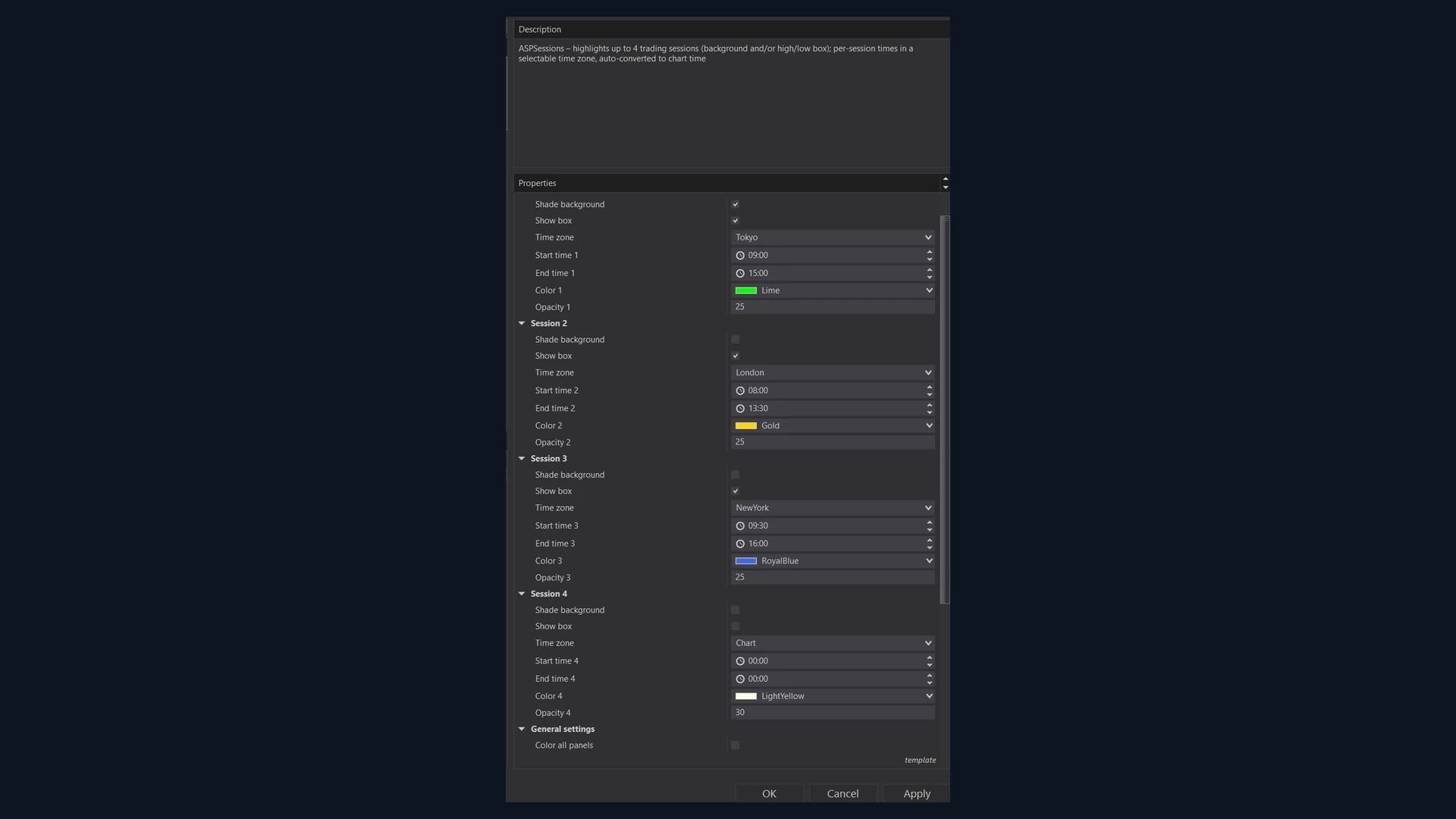
Each session has its own start, end, color and opacity. If it ends before it starts (e.g. 22:00–02:00), it runs past midnight.
NinjaTrader 8 · Sessions · Any market
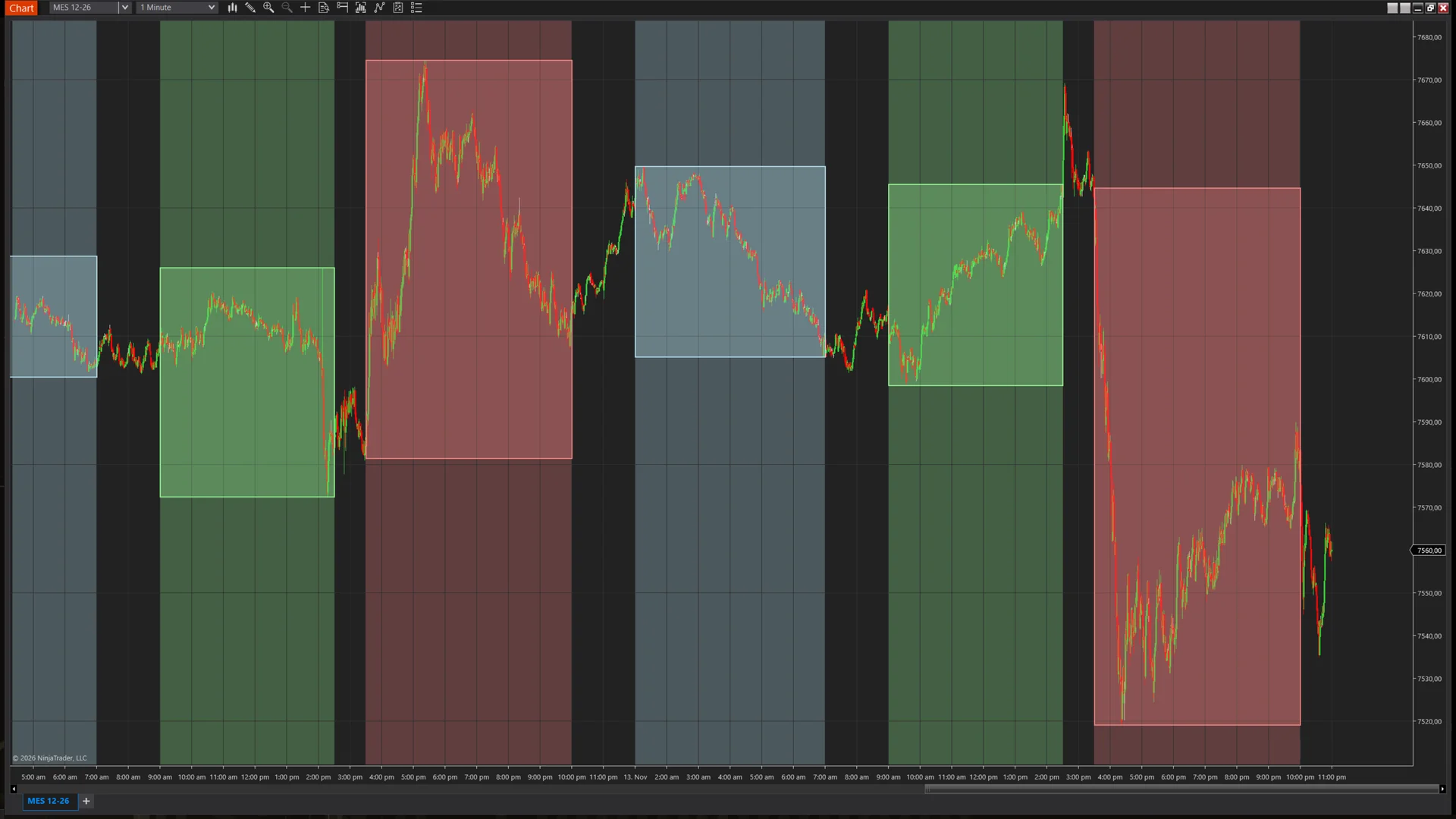
ASPSessions highlights up to four trading sessions on your chart and draws a box around each session's high and low. Enter the times in the exchange's local time – Tokyo, London, New York – and ASPSessions converts them to your chart time automatically, daylight saving time included.
Before / After
Drag the slider: the bare chart on the left, the same chart with ASPSessions on the right – background and high/low box for each session.
📷 With ASPSessions – sessions highlighted, high and low as a box/assets/img/aspsessions/after.webp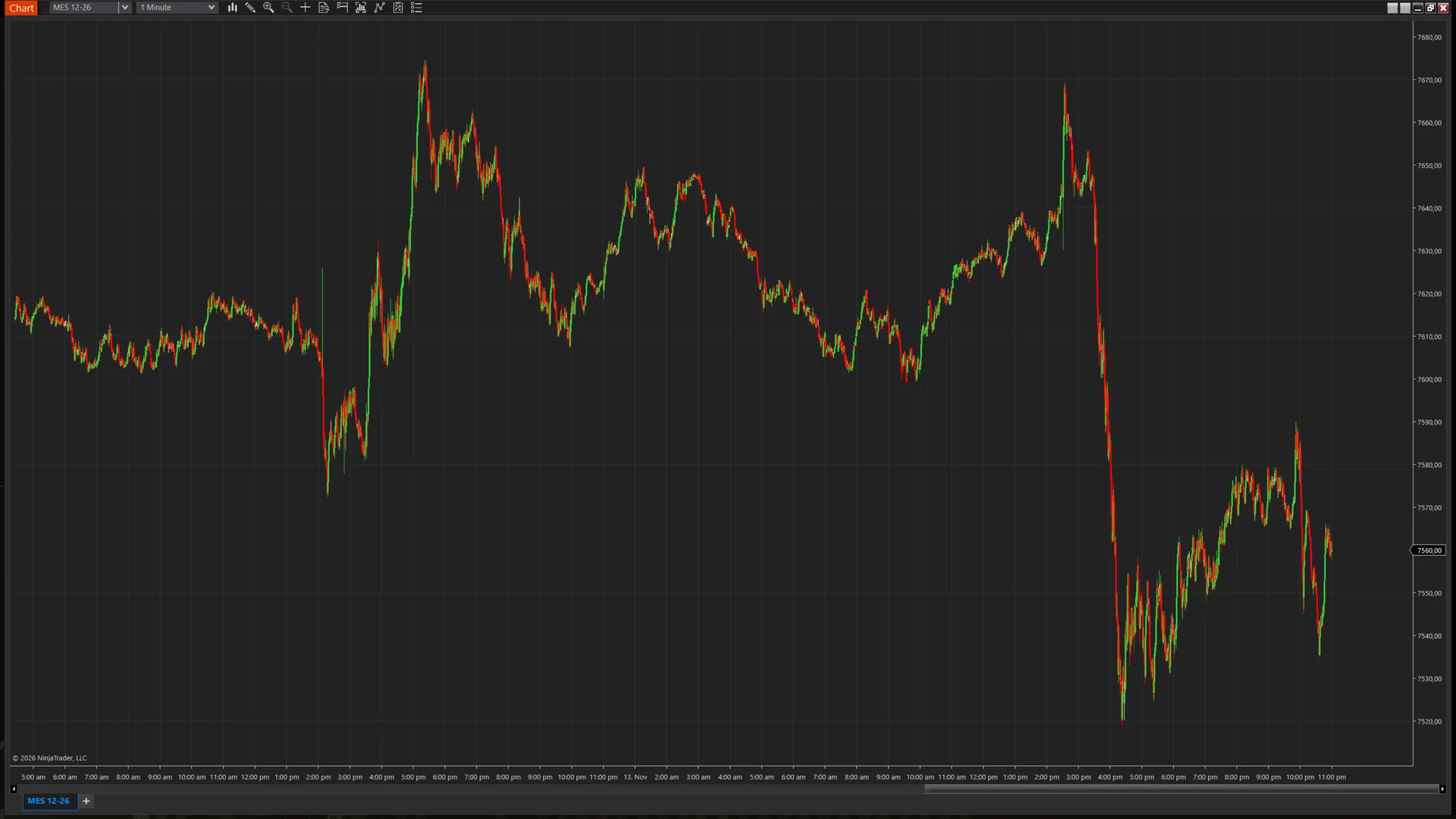 📷 Without ASPSessions – converting session times in your head/assets/img/aspsessions/before.webp
Features
Each session has its own start, end, color and opacity. If it ends before it starts (e.g. 22:00–02:00), it runs past midnight.
Enter times in New York, Chicago, London, Frankfurt, Tokyo, Sydney, UTC or straight in chart time. Conversion to your chart time is automatic – including daylight saving changes.
A color band across the session's duration, opacity from 0 to 100 %. Optionally in all sub-panels too, such as volume.
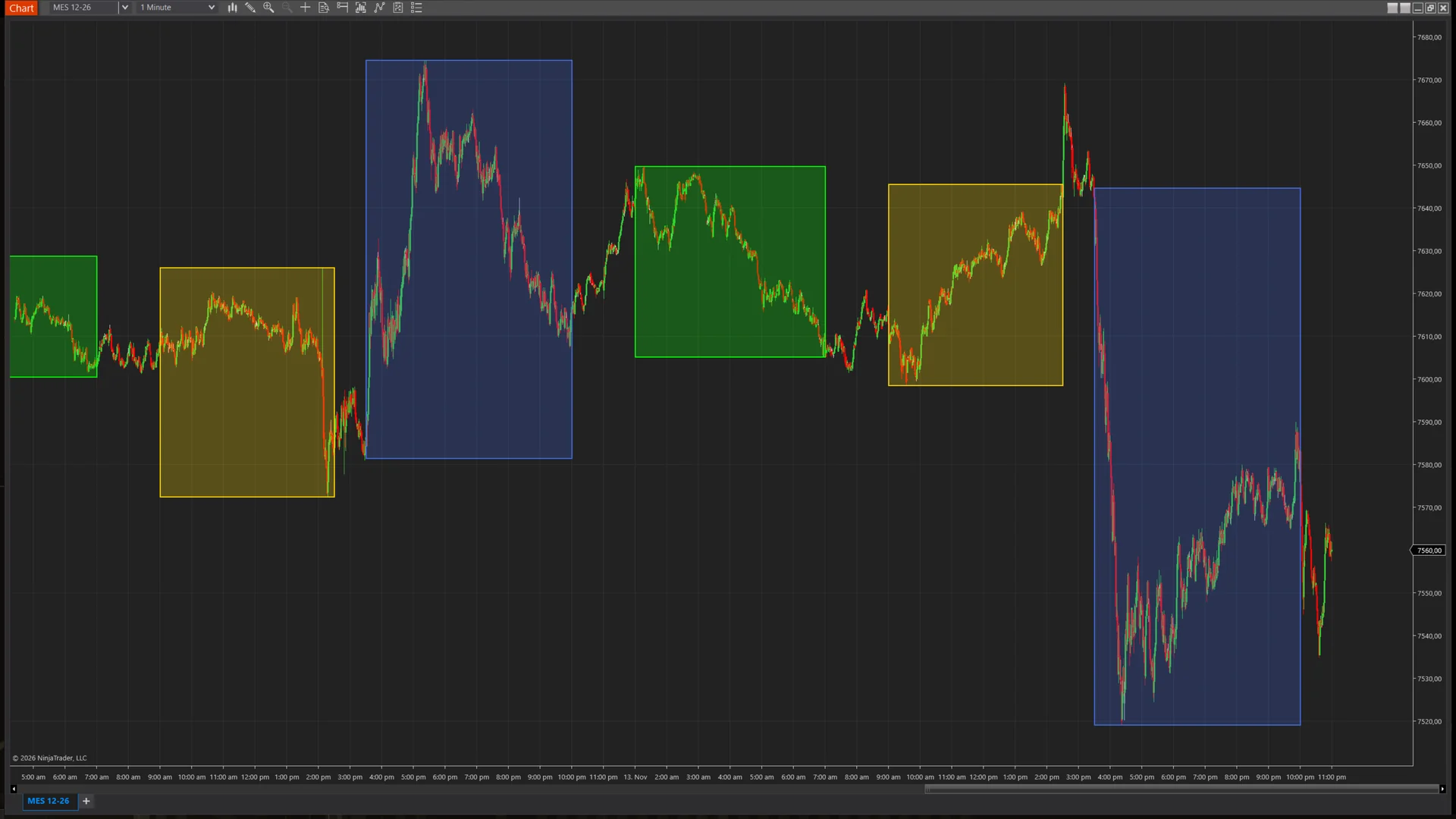
The box grows with every closed bar and stays in place after the session ends – one box per day. You see the range of Asia, Europe and the US instantly.
Background and box can be turned on and off separately for each session – both, one or neither.
The cash sessions of Tokyo, London and New York are preset. Session 4 is free for your own time window. All settings in English or German – following your NinjaTrader language.
On the chart
Pricing
All plans include the full feature set. You only decide how you want to pay.
Flexible – cancel any month.
Cheaper than monthly.
Pay once, use it forever.
No VAT charged (small business, § 19 German VAT Act) · License for 1 computer · Our terms and withdrawal policy apply. · *PayPal if enabled in Stripe. · Prices in euros – at checkout Stripe shows the amount in your local currency at the current exchange rate.
Trial license
Full feature set, no credit card, no auto-renewal. The trial license simply expires.
FAQ
Any market in NinjaTrader 8 – futures, stocks, forex and more. It is especially useful for markets that trade almost around the clock, such as the index futures NQ, ES and RTY.
No. Enter the times in the exchange's local time, e.g. 09:30–16:00 New York. ASPSessions converts them to your NinjaTrader chart's time zone and accounts for daylight saving time in every zone.
Boxes are drawn for each session independently. The background takes the color of the session with the lower number.
Yes. ASPSessions is a pure analysis indicator and does not place or manage orders. Still check your prop firm's rules on permitted tools.
No. You have one personal key. Every indicator you buy or try with the same email address is unlocked with it automatically.
Yes, every indicator with a trial can be tested free for 7 days from the first activation – no credit card, no auto-renewal.
One license covers one computer. When you switch PCs, enter your key on the new computer – the old one is signed out automatically (two switches per year in self-service).
Only now and then. The license renews automatically in the background; without internet the indicators keep working for at least 7 days.
Try ASPSessions free for 7 days – no credit card, no auto-renewal.